
This website is the only designated website for online sales of Guangzhou Dalang Show console, factory direct sales.
Avolites Titan PC Suite v11.4 Setup+KeyGen – free sharing
Product Overview
Product Name: Avolites Titan PC Suite v11.4 Setup+KeyGen – free sharing
introduce:
- free sharing
- Only Windows systems are supported.
Key Features:
The Avolites Titan simulator software allows Titan software to run on a computer, supporting offline programming, learning, and lighting simulation, enabling lighting design and testing without a physical console.
⚠️ CRITICAL: Read Before Installing Avolites Titan V11.4
Notes:
- Disable your antivirus software or add the software’s installation directory as a trusted folder. of your computer to avoid the software not working.
- The version cannot be updated, the update cannot be used, and it can only be uninstalled and reinstalled.
-
If TitRegCode.exe cannot open or crashes immediately when you try to open it, it means it is not compatible with your computer. Your only option is to use a different computer.
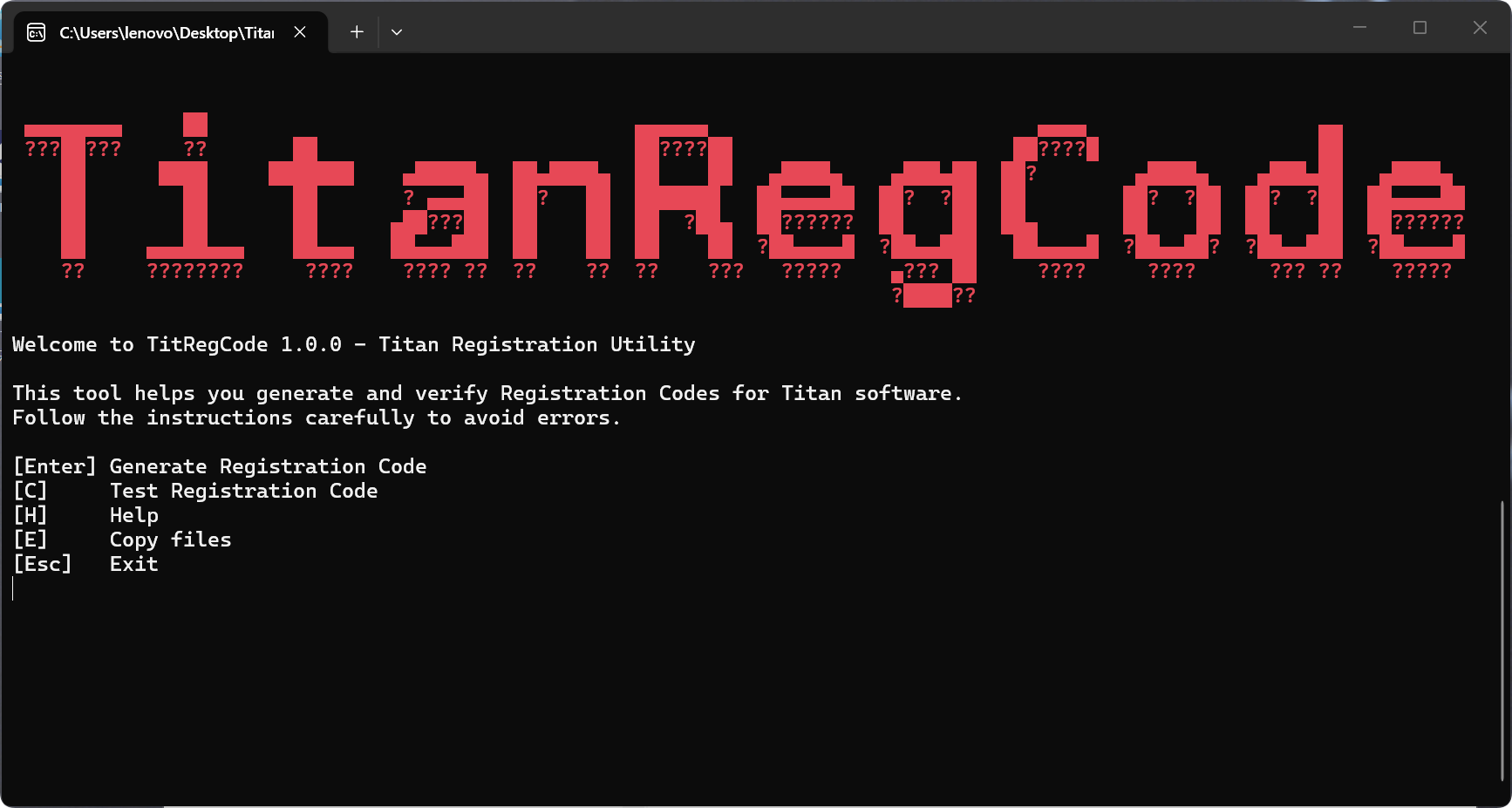
⚠️ CRITICAL: Read Before Installing Avolites Titan V11.4
1. Software Setup
- Supports all Titan V11.x versions.
- Download the official installer from the Avolites website.
2. USB Cleanup (Mandatory!)
UNPLUG ALL USB DEVICES except for your permanent keyboard and mouse before running the KeyGen or software.
- ❌ REMOVE: All USB Flash Drives and External Hard Drives.
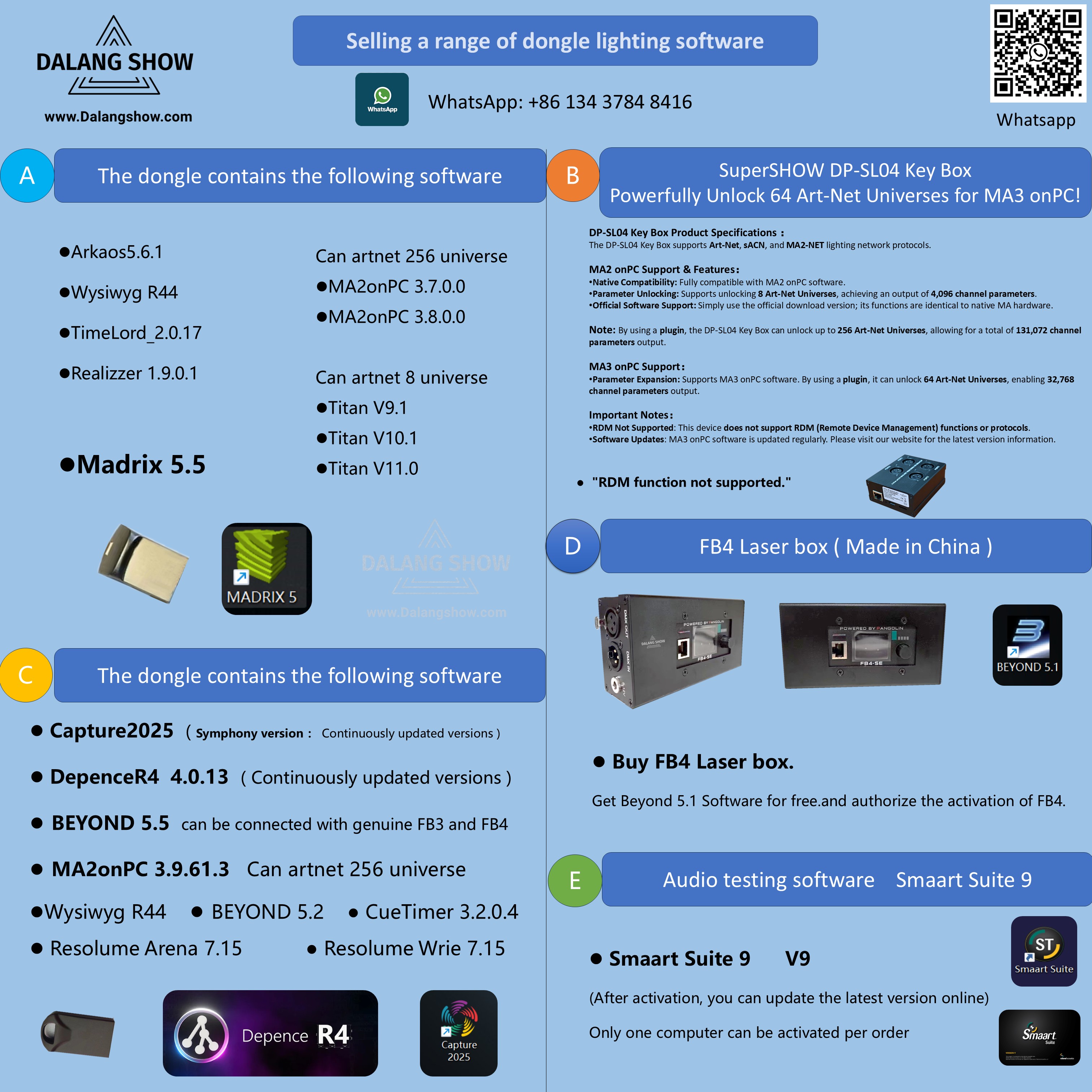
- ❌ REMOVE: All Dongles and the DP-SL04 Key Box.
- WHY? Titan hardware IDs can change based on connected USB devices. Failing to unplug them will cause the license to INVALIDATE.
-
NOTE: Why? Sometimes, the machine key depends on a USB drive. Adding or removing USB drives before starting Titan may invalidate the key.
3. Warranty & Liability Warning
- NO WARRANTY: License failure or hardware damage caused by failing to unplug USB devices (including dongles and Key Boxes) is considered User Error.
- NO COVERAGE: This is not covered under warranty. Proceed at your own risk.

🆓 Dalangshow Free Software User Guide 📘
Friendly Reminder:
🎓 For Beginners Only: The free software provided by Dalangshow is for learning purposes only and is not suitable for commercial use.💡
⛔ No After-Sales or Technical Support: We offer the software for free, but please do not expect long-term support or updates. It may not be available permanently.🛠️
📥 Installation Check: Each software upload has been tested for installation and comes with detailed instructions. Please carefully check the installation process.
⚠️ Software Issues or Installation Failures: If the software isn’t working or you face repeated installation issues, refer to the instructions, or consider purchasing the dongle version for a more stable experience and technical support.🔑
💸 Paid Support: If you need technical assistance, you can opt for paid support, as everyone’s time has value.⏳
🔄 Share with Others: If this file has been helpful, please share it with others who may need it. A small gesture of helping goes a long way! 👆
Thanks for your understanding and support! 🙏
Contact Information:
For better communication, you can reach us via:
- Mobile & WhatsApp: +86 13437848416
- WhatsApp: Click here to contact us
- You can contact us via WhatsApp to let us know your needs, or leave your comments, and we will reply to your messages promptly.