
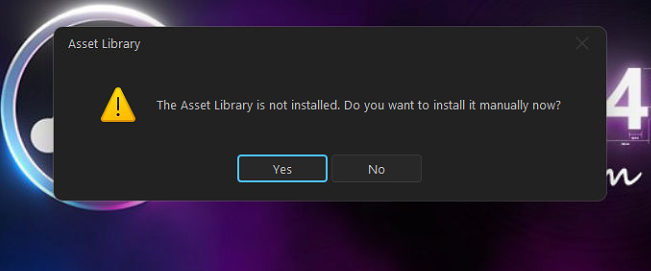
Depence R4 V4.0.12 has been installed. When opening the software, it prompts: ‘The Asset Library is not installed. Do you want to install it manually now?’ How can this be resolved?
Depence R4 V4.0.12 has been installed. When opening the software, it prompts: ‘The Asset Library is not installed. Do you want to install it manually now?’ How can this be resolved?
 Dalang Show
Below in total 2 A response
After installing the software, it prompts (The Asset Library is not installed). Please download and install the latest Depence 4.0.12-Standard-20251110 version to resolve this issue.
If you encounter any issues, please first install the latest Depence R4 version. If the problem persists, please contact our website’s after-sales service. The computer needs to be connected to the internet to install the software. Installation cannot be completed successfully without an internet connection.