DP-SL04 Key Box: IP Retrieval & Factory Reset Guide

DP-SL04 Key Box: IP Retrieval & Factory Reset Guide
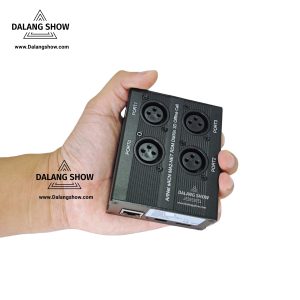
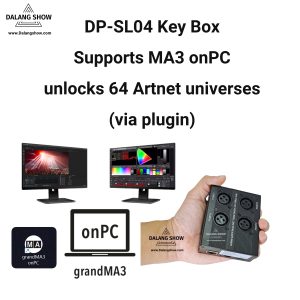
If you have forgotten the current IP address of your DP-SL04 Key Box, you can use the DP-SL04 Key Box_ToFactory utility to locate or force-reset the device.
Core Principle
The software utilizes a UDP broadcast mechanism. Regardless of the subnet the Key Box is currently assigned to, as long as the physical connection is active, this tool can force the device back to its factory default IP: 2.0.0.44.
Operating Steps
Step 1: Configure Computer Network Settings
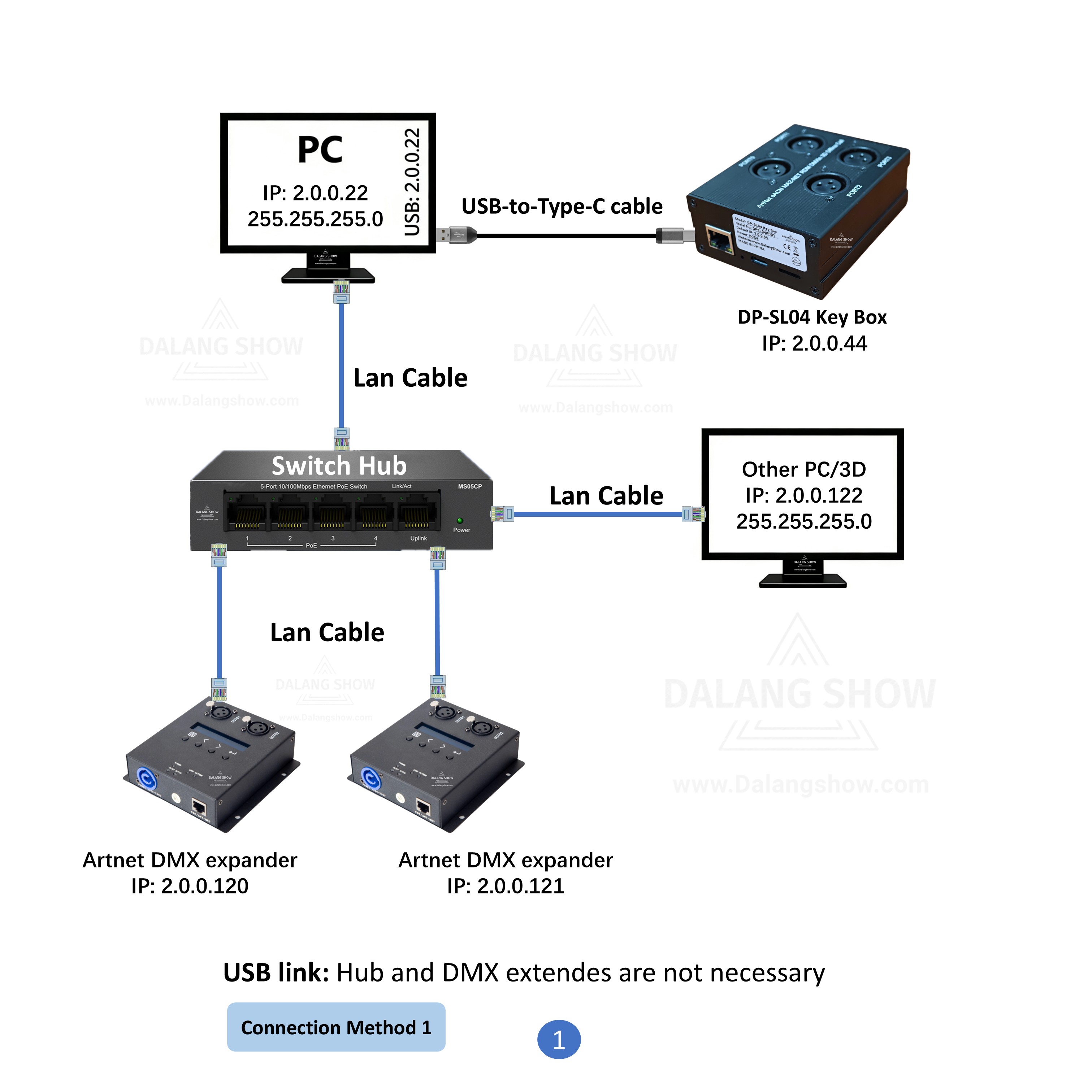
To ensure the software can communicate with the hardware, you must manually assign a static IP address to your computer:
-
Connect your computer to the Key Box using a network cable (LAN) or USB cable.
-
Navigate to: Control Panel > Network and Sharing Center > Change adapter settings.
-
Right-click your network adapter (Ethernet or USB LAN), select Properties, and double-click Internet Protocol Version 4 (TCP/IPv4).
-
Configure the following settings:
-
IP Address:
2.0.0.22(The last digit can be any number between 2-254 except 44). -
Subnet Mask:
255.255.255.0
-
Note: Do not worry about the current IP segment of the box. Forcing your computer to the
2.x.x.xrange allows the broadcast tool to bridge the communication.
Step 2: Run the Recovery Tool
-
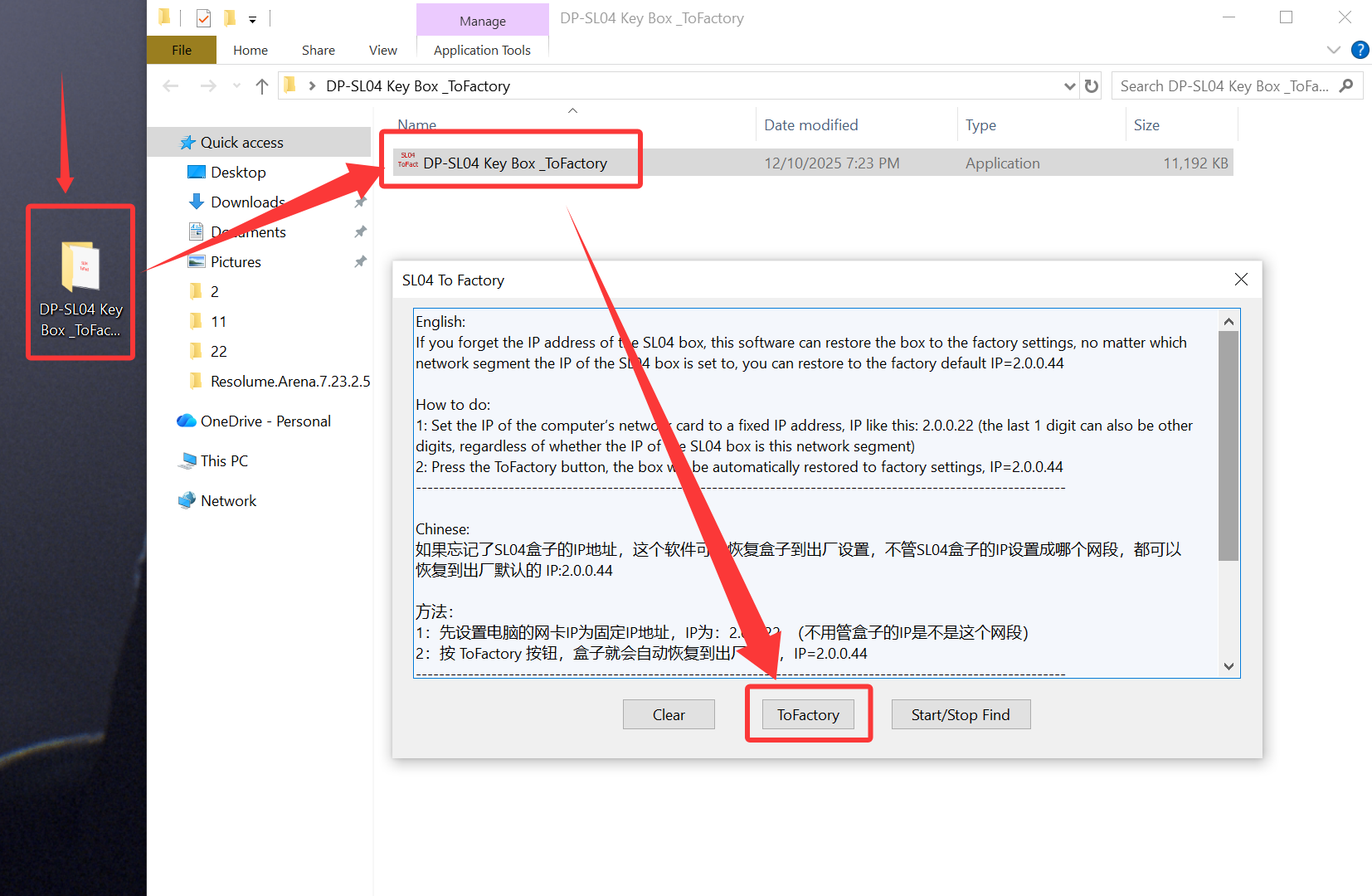
Launch the
DP-SL04 Key Box_ToFactory.exeapplication. -
Click the [ToFactory] button on the main interface.
-
The software will automatically scan the network and send a reset command. Once successful, the Key Box will revert to:
-
Default IP:
2.0.0.44
-
Software Download & Support
You can obtain the latest version of the utility through the following channels:
🎞️DP-SL04 Key Box: IP Retrieval & Factory Reset Guide Tutorial Video:
Contact Information:
For better communication, you can reach us via:
- Mobile & WhatsApp: +86 13437848416
- WhatsApp: Click here to contact us
- You can contact us via WhatsApp to let us know your needs, or leave your comments, and we will reply to your messages promptly.
After-Sales Service:
We provide professional after-sales technical service to ensure you get great value and satisfaction!
- All products are covered by a one-year warranty for non-human issues.
- We adhere to the principle of low profit and high sales, dedicating ourselves to serving users. We will patiently explain and solve problems for you.
- We operate with integrity, ensuring all products are reliable and free from defects. If you are satisfied with our services and products, you can share DALANG SHOW with your friends. If you have any questions, please feel free to contact us.