
Install Wysiwyg R44 popup launcher: The launched WYSIWYG process is not responding or has exited with an error.How to solve it?
Install Wysiwyg R44 popup launcher: The launched WYSIWYG process is not responding or has exited with an error.How to solve it?
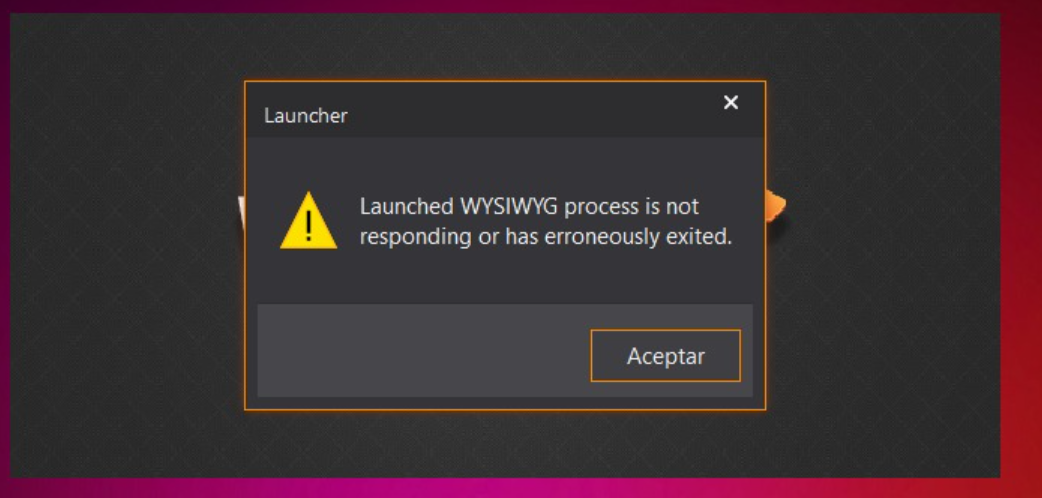
Solution:
- This is because there is a problem with your computer system, such as missing DLL files.
- You need to repair your computer system.
- You can refer to the following articles to repair your computer system, or use the system repair function provided by third-party antivirus software.
 Dalang Show
Below in total 1 A response
It has been proven that if the software crashes or displays an error, you can try repairing the computer system to see if that solves the problem. If that doesn’t work, try installing the software on another computer to rule out whether the issue is caused by the computer system. If it installs and works properly on another computer, then you can confirm that the problem lies with the original computer system.